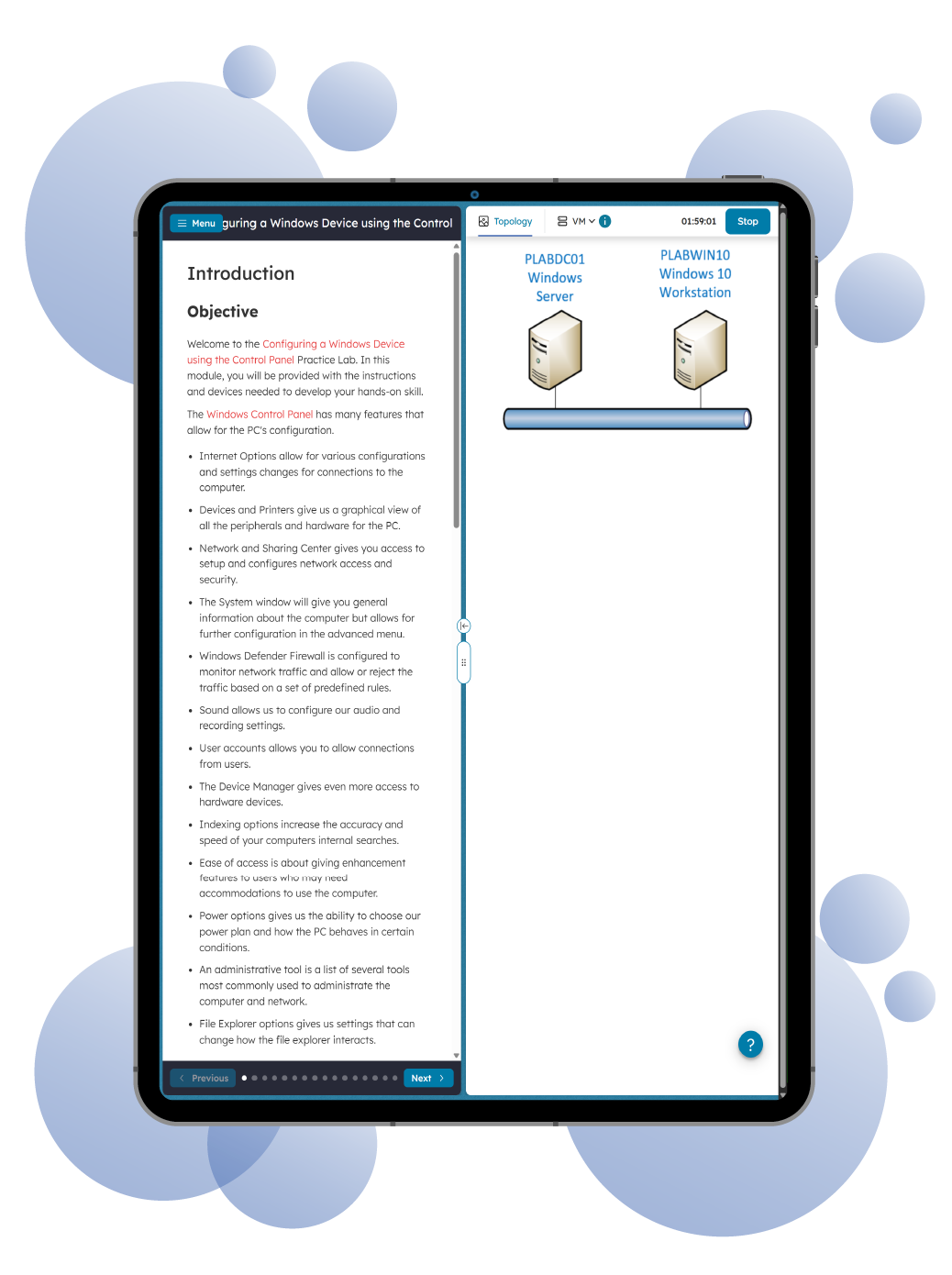







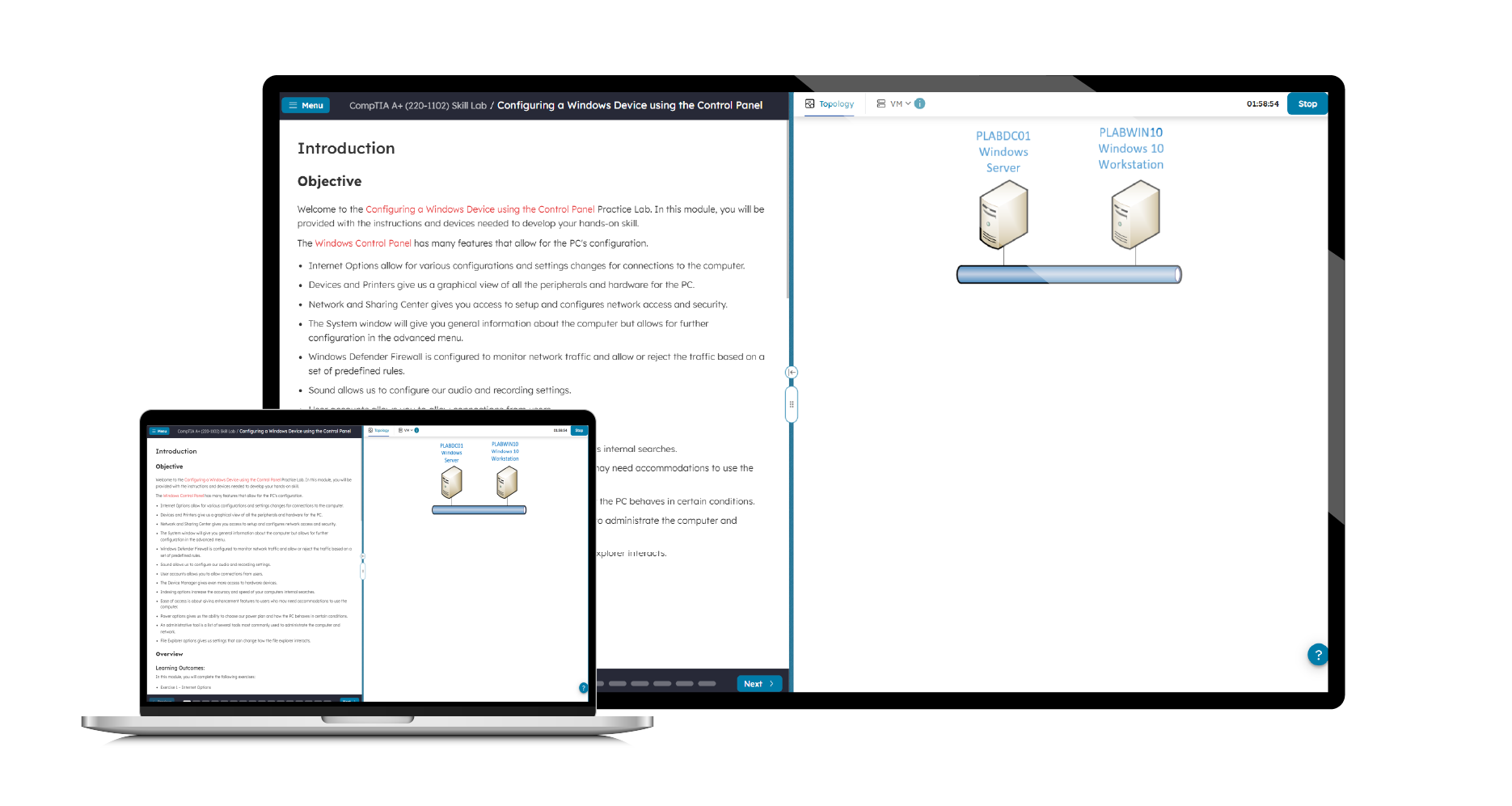
Prepare for the CompTIA A+ 220-1102 (Core 2) certification exam with a hands-on training environment that gives you access to real computer equipment that is conveniently accessible online anytime, anywhere. Designed to reinforce practical skills, this lab enables you to configure and troubleshoot multiple systems and devices within a networked environment.
This Practice Lab aligns directly with the practical objectives of the CompTIA A+ 220-1102 exam, providing guided, step-by-step exercises that build your confidence and competence in key areas such as:
- Installing and configuring operating systems (Windows, macOS, Linux)
- Managing software applications and troubleshooting
- Configuring basic device networking
- Implementing security best practices
- Operational procedures and professional support techniques
Each module is designed to help you gain real-world experience while reinforcing the core competencies covered by the A+ Core 2 certification exam. Although this lab emphasizes hands-on training, it is recommended to complement it with theoretical study materials to fully prepare for the exam.